








Generator
Storia
Generatore di piani AI
Strumento di cambiamento
Modello
Base
Interruttore
Camere
cameraDaLetto
-
2
+
bagno
-
1
+
Cucina
aperto
chiuso
Area lorda
Unità Metrico
 imperiale
Metrico imperialeArea
< 50㎡
50-80㎡
80-100㎡
100-120㎡
120-150㎡
> 150㎡
Extra
guardaroba walk-in
laundry room
stanza di stoccaggio
stanza dei servizi
ufficio a casa
garage
dispensa
sala living e pranzo combinata
balcone

Effortlessly Create Own House Plans with AI
Dreaming of a new home layout? Ideal House’s AI Floor Plan Generator empowers you to create own house plans, bringing your vision to life in minutes. Design custom home plans, from cozy small house plans to expansive modern house plans, all with intuitive AI precision. Say goodbye to complex house design software and hello to a smart, simple home design tool.
Generate My Floor Plan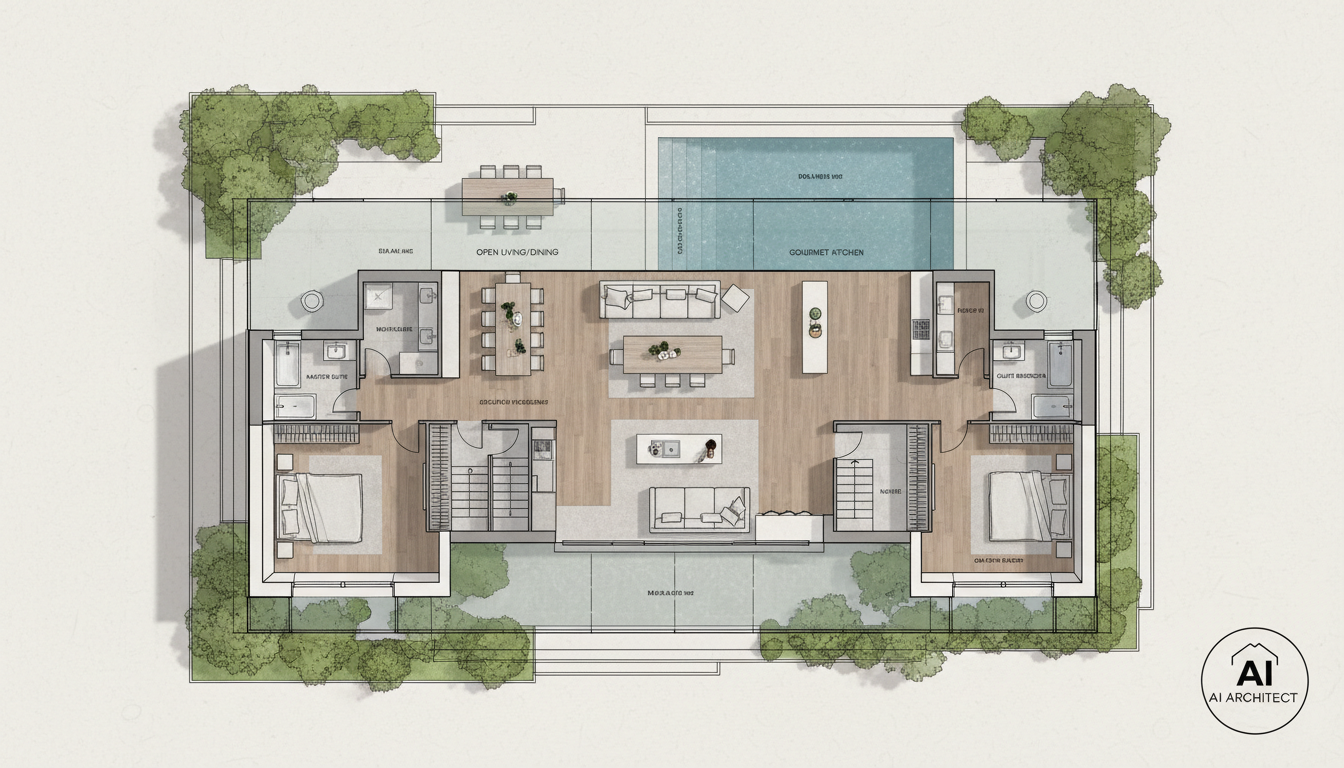


Why Ideal House is Your Ultimate Floor Plan Creator
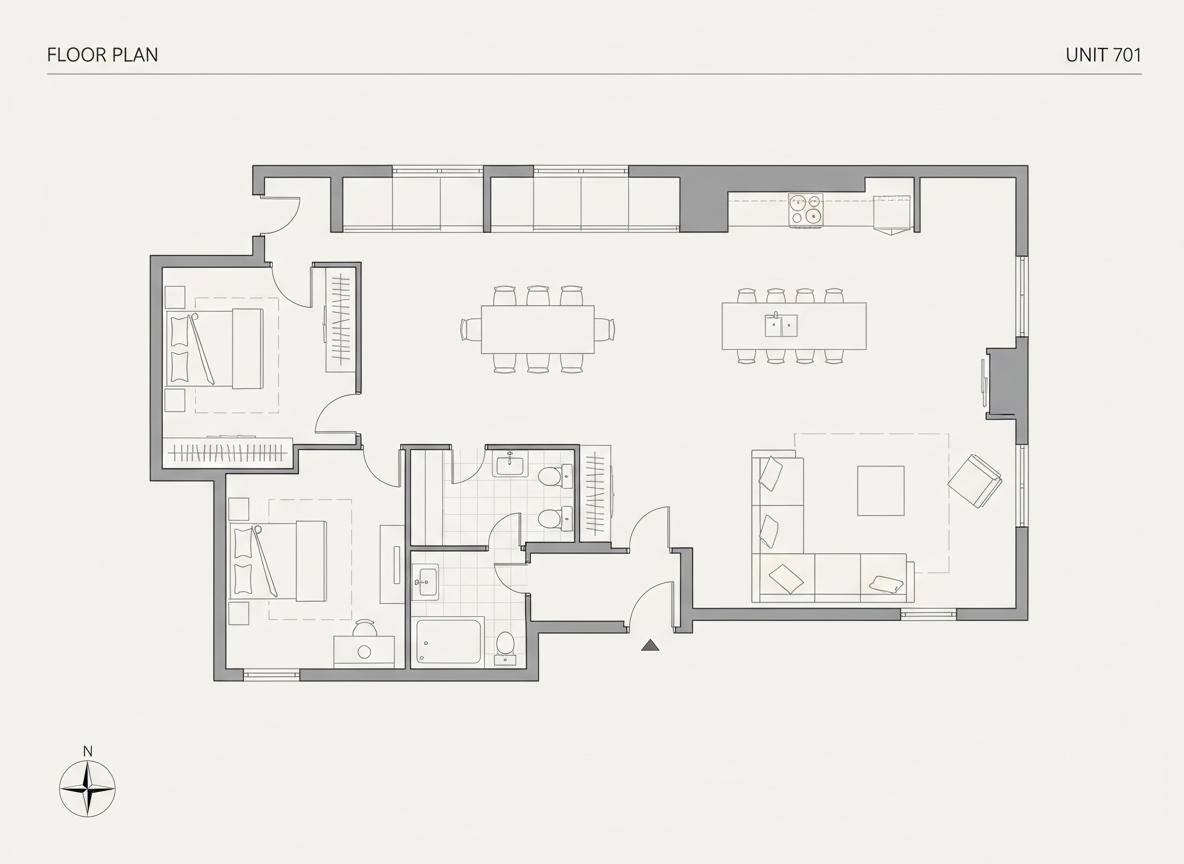
Instant 2D Floor Plans
Skip the wait and generate professional 2D floor plans in seconds. Our AI floor plan maker takes your basic requirements and drafts clear, presentation-ready layouts, perfect for initial concepts or real estate listings. This speed allows you to create own house plans quickly and efficiently.
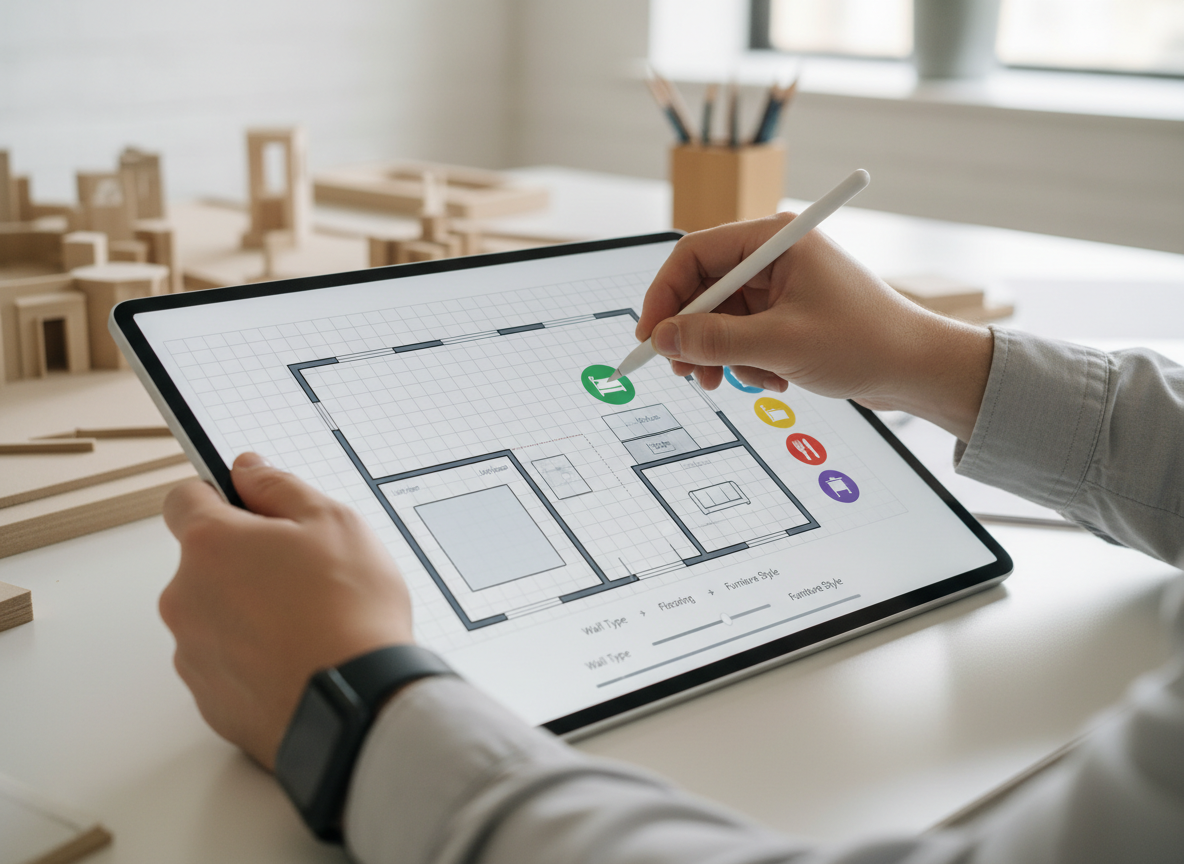
Custom Home Plans Made Simple
Easily customize your house layout planner with specific parameters like bedrooms, bathrooms, kitchen style (open/closed), and gross area. Add essential extras such as a walk-in closet or home office to craft residential floor plans that truly reflect your needs. You can build my own house plans with unparalleled flexibility.
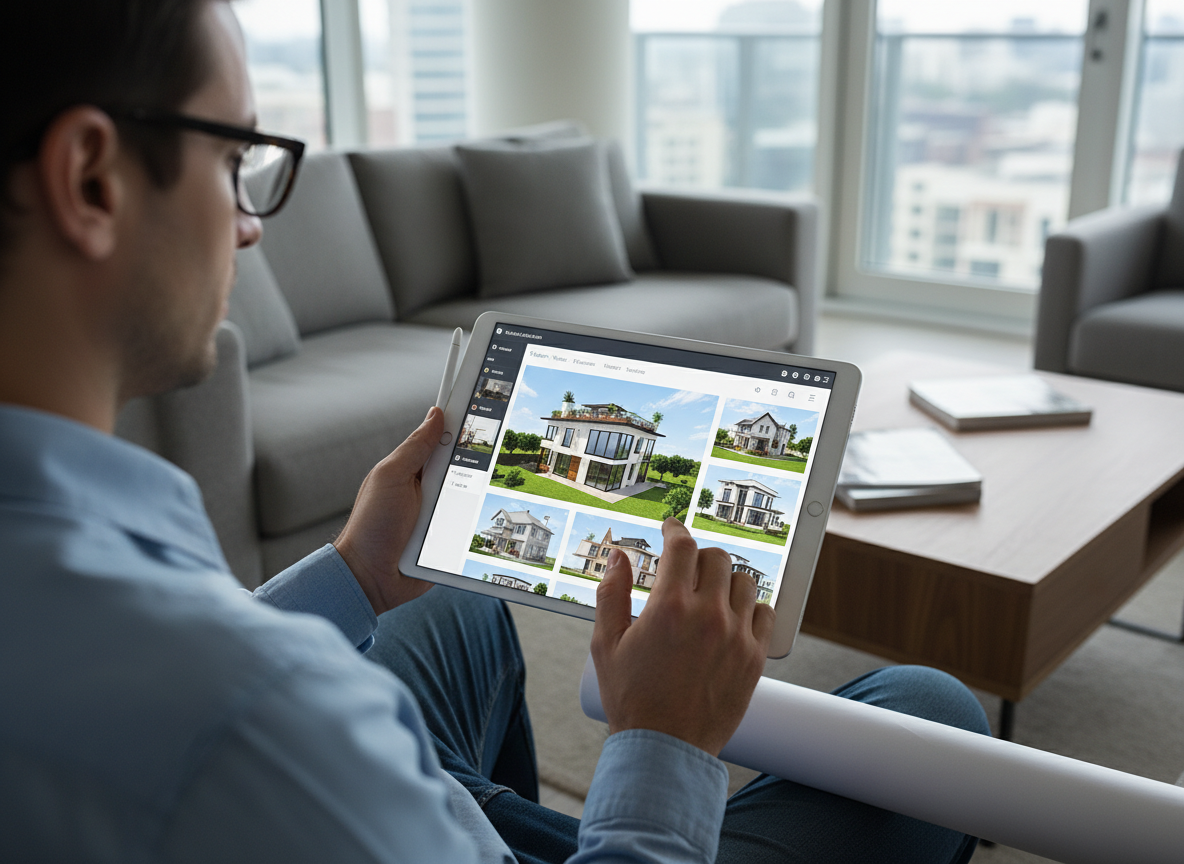
Visualize Before You Build
Our AI Floor Plan Generator offers a practical way to visualize house plans design without committing to costly architectural drawings. Experiment with different virtual house plans and iterate on your DIY house plans until you find the perfect fit, saving time and resources. See your home plans online before construction.
Seamless Collaboration & Sharing
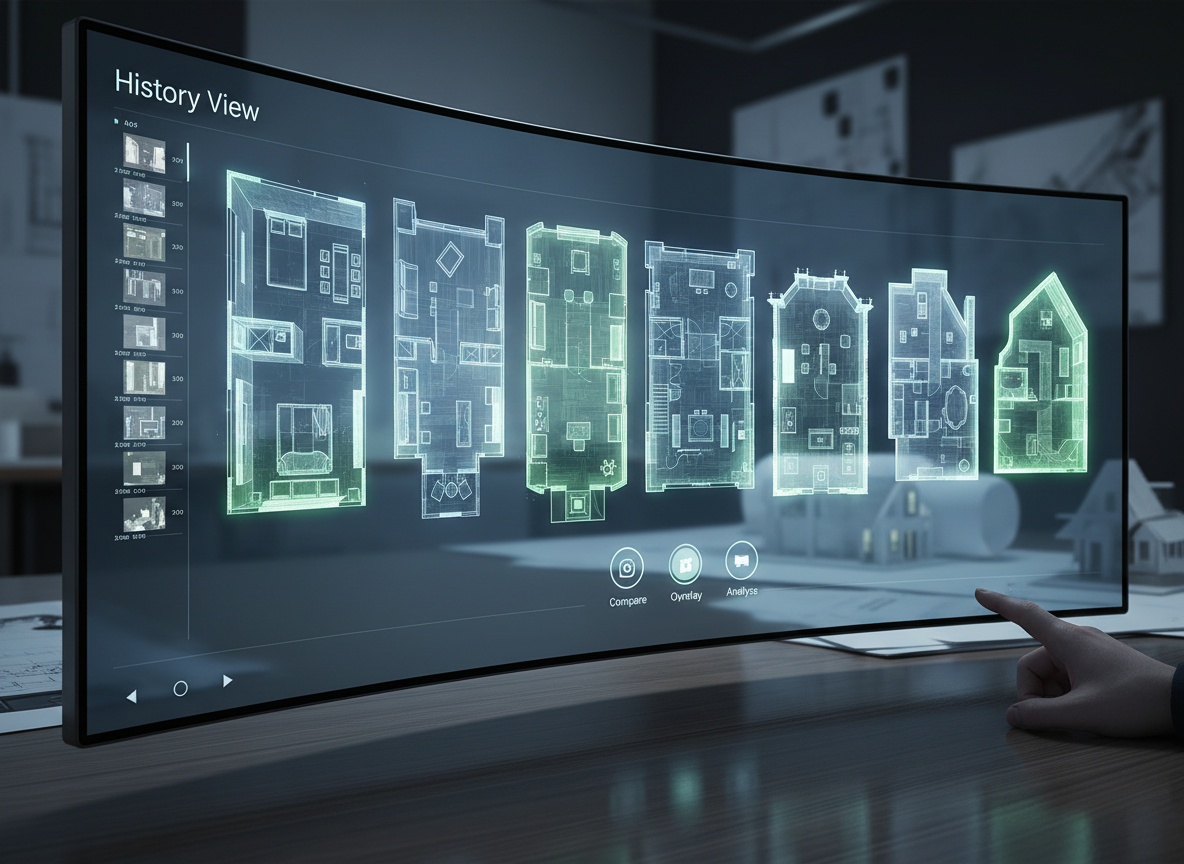
Every generated plan is saved, allowing you to easily compare drafts and share them with clients, contractors, or family. Export your house blueprints as an image or PDF, making it simple to get feedback and move forward with confidence. It's the perfect home design tool for teamwork.

Who Can Benefit From Our AI Floor Plan Generator?

**Homeowners & DIY Planners:** Create own house plans for renovations, new builds, or simply exploring layout ideas.

**Interior Designers & Decorators:** Quickly generate apartment floor plan concepts for clients and iterate live.

**Real Estate Professionals:** Produce consistent, clear 2D real estate floor plans for listings, enhancing buyer understanding.

How to Create Own House Plans with Ideal House
1
**Set Your Core Rooms :** Begin by selecting the desired number of bedrooms (0-4) and bathrooms (1-3). This forms the foundation of your house plans design.
2
**Define Your Kitchen Style:** Choose between an open or closed kitchen layout, influencing the flow and privacy of your main living areas. This is key to crafting the perfect house layout planner.
3
**Select Gross Area & Extras:** Pick a gross area range to guide overall proportions and add optional features like a walk-in closet, home office, or balcony to customize your residential floor plans. These extras help you build my own house plans with specific functionalities.
4
**Generate & Refine Your Plan:** Click 'Generate' to instantly see your 2D floor plan. Review the results, tweak your selections, and regenerate until you achieve your ideal house blueprints. Compare different home plans online to find the best fit.
5
**Download & Share Your Vision:** Once satisfied, download your custom home plans as an image or PDF. Share your DIY house plans with stakeholders and confidently move to the next stage of your project.
Frequently Asked Questions About Our AI Floor Plan Generator
How does the AI floor plan generator create my plan from my selections?
Our AI floor plan maker intelligently interprets your inputs—bedrooms, bathrooms, kitchen type, gross area, and extras—to draft logical 2D floor plans. It applies established architectural rules for adjacencies and circulation, ensuring a functional and aesthetically pleasing layout. Each generation offers a fresh concept, allowing you to iterate and refine.
What are the customization ranges and default settings?
You can select 0-4 bedrooms (default 2), 1-3 bathrooms (default 1), and toggle between open or closed kitchens (default open). Gross Area is chosen from predefined bands, and you can multi-select various extras to influence your house plans design.
How does 'Gross Area' impact my house layout planner?
The selected Gross Area band guides the overall scale of your floor plan, ensuring rooms and corridors are proportioned realistically for your target size. Choosing the most suitable band helps the AI create believable and functional house blueprints.
What's the difference between an open and closed kitchen in the generated plans?
An open kitchen promotes a continuous living-dining sightline, fostering a more connected, spacious feel. A closed kitchen, conversely, emphasizes a distinct cooking zone with greater separation, offering more privacy and containing cooking odors. Both options allow you to create own house plans that match your lifestyle.
What role do the 'Extras' play in creating my custom home plans?
Extras like a walk-in closet, laundry room, home office, garage, pantry, combined living-dining, or balcony instruct the AI floor plan maker to prioritize and strategically place these spaces within your residential floor plans. For example, a walk-in closet will typically be near the primary bedroom, and a pantry adjacent to the kitchen, enhancing functionality.
Can I compare multiple generated house plans?
Absolutely! Every floor plan you create is automatically saved in your 'Generation History'. You can use filters and different view options to easily compare multiple virtual house plans side-by-side, helping you make informed decisions about your ideal house plans design.
How fast is the generation process, and how are credits used?
Most floor plans are generated in mere seconds. Each click of the 'Generate' button consumes the indicated credits. All results are stored in your history, providing a record of your house design software exploration.
Is the AI Floor Plan Generator compatible with tablets?
Yes, our tool is fully browser-based and optimized for seamless use across devices, including desktops and iPads. Your settings persist, allowing you to continue refining your DIY house plans wherever you are.
Enhance Your Design Journey with Related Ideal House Tools

Magic Editor
Fine-tune specific details in your design, like changing a window style or removing an unwanted object.
Exterior Renovator
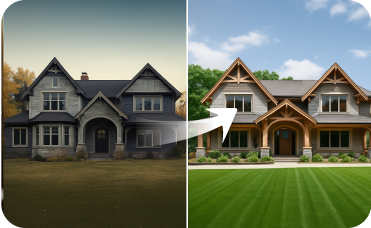
Boost curb appeal by visualizing new siding, roofing, windows, and paint on your home's exterior.
AI 3D Rendering
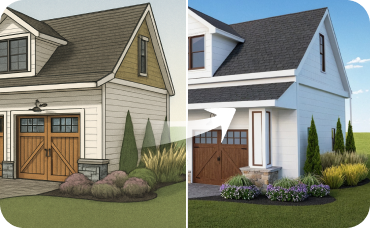
Turn your favorite 2D design into an immersive 3D model and get a true feel for the space.
Ready to Create Own House Plans?
Design your dream home layout with Ideal House’s AI Floor Plan Generator – fast, intuitive, and highly customizable.
Generate My Floor Plan
💰 Ottieni il 10% di commissione come partner affiliato di Ideal House.
Unisciti a noi